
Should I Automate Fulfillment Before I Automate Customer Support?
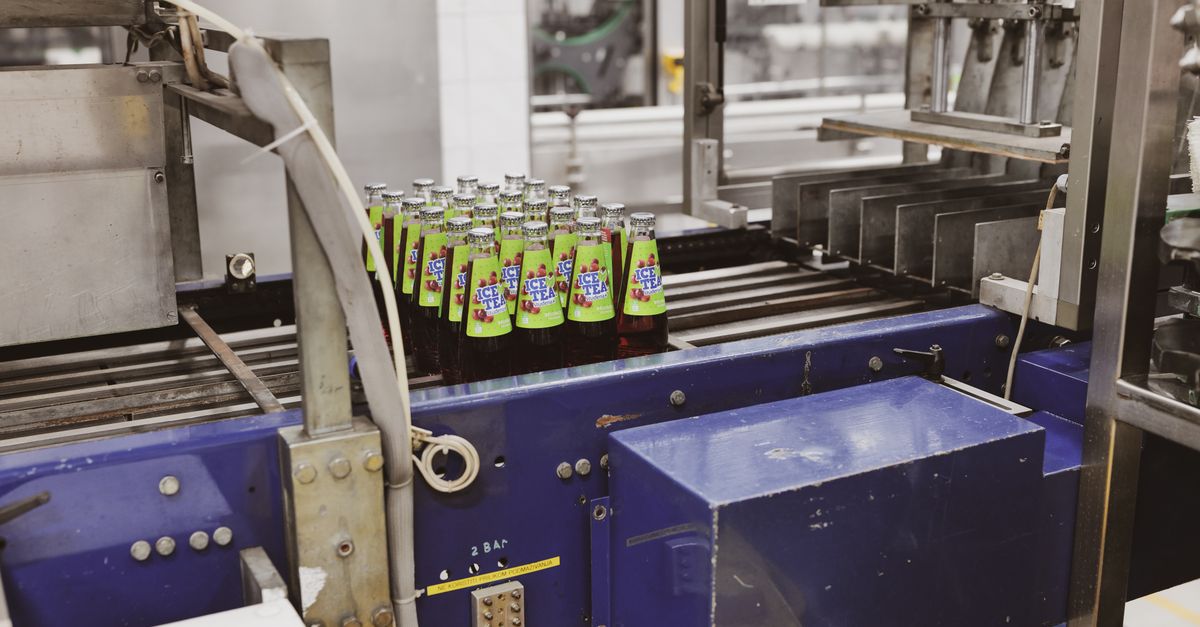
Automate Fulfillment First in Most Dropshipping Stores
Most independent dropshipping sellers should automate fulfillment first because order handling creates more repeat admin work than inbox replies do. A solo seller on OpoShop or EverBee often spends more time placing CJdropshipping orders, checking variants, and syncing tracking than answering actual customer emails.
That order matters. If your store ships late, sends the wrong variant, or fails to update tracking, support volume goes up right after.
Customer support automation works better once the order flow is already stable. Auto-replies cannot fix a missing order, a bad mapping, or an out-of-stock item that got purchased anyway. They only explain the problem after it happened.
If you're leaning toward fulfillment first, start with the flow that places orders and checks them before money moves.
[[button:See fulfillment flow|https://oposhop.io]]
What Does It Mean to Automate Fulfillment vs Automate Customer Support?
Fulfillment automation handles the work between checkout and shipment. Customer support automation handles the messages that show up before or after that work.
In a dropshipping setup, fulfillment automation usually includes order placement to CJdropshipping, tracking sync, buyer shipping emails, product import mapping, and stock and price checks before an order is sent. In your OpoShop store, that means the backend process can move an order forward without you copying details by hand.
Customer support automation is different. Customer support automation usually means inbox triage, canned replies, FAQ handling, chatbot responses, and routing messages like "Where is my order?" or "Can I change my address?"
The difference is simple. One system moves the order. The other system talks about the order.
That is why the sequence matters so much for EverBee store fulfillment and OpoShop order operations. If the backend process is still messy, support automation just helps you answer more messages about the same preventable issues.
Why Does This Decision Matter for Margin, Reliability, and Control?
This decision matters because manual fulfillment mistakes cost money fast. A wrong variant, a price change you did not catch, or an order sent for an out-of-stock item turns into extra charges, refunds, and support cleanup.
For a side-hustling seller, that is the real problem. A manual workflow feels manageable at ten orders, then starts breaking at thirty because every order needs checking, placing, and tracking updates.
Support automation does not stop those costs. Fulfillment automation with ecommerce guardrails can.
A lot of support tickets in dropshipping stores are really shipment visibility problems. If tracking sync is missing and buyer shipping emails are not going out, customers ask where the order is because the store never told them. Once tracking is mapped and shipped updates go out on time, a chunk of that inbox work disappears.
You also need control over spending. Blind order auto-fulfillment is fast, but speed without checks is how merchants lose money. Stock and price checks before purchase, plus opt-in review for risky orders, keep the process safe.
You control the money.
How to Decide Which One to Automate First in Your Store
The right first step depends on what eats more time and where mistakes start. If most of your admin work begins after checkout, fulfillment should go first.
[[steps:Check your manual workload|Look at one normal week and count the tasks after each order: placing CJdropshipping orders, checking variants, syncing tracking, and sending shipped updates.; Check your ticket causes|Read your last batch of support messages and sort them by cause. If most messages are shipping status questions, fulfillment and tracking visibility are the real issue.; Check your error risk|Review where orders can break: bad product import mapping, missing variants, stock changes, price changes, or address problems.; Check your approval needs|If you sell high-ticket items or risky products, keep manual review on those orders even if most orders auto-fulfill.; Pick the first automation layer|Automate the workflow that removes the most repeat work without removing spending control.]]
A practical rule works well here. If you spend more time placing CJdropshipping orders manually than answering customer emails, automate fulfillment first.
If your inbox is heavy, look closer before you automate replies. A store on OpoShop with 40 daily "Where is my order?" messages does not have a support-first problem. That store has a tracking sync and shipping email problem.
Here is a simple weak-versus-strong example:
Weak: Turn on support automation first, add canned replies for shipping questions, and keep placing orders by hand.
Stronger: Automate order placement, verify stock and price before purchase, sync tracking back to the store, and send buyer shipping emails so fewer shipping questions show up at all.
That is the better sequence for most small stores.
Before automating everything, review the safeguards that help you keep control over stock, pricing, and order accuracy.
[[button:Review store safeguards|https://oposhop.io]]
Fulfillment First vs Support First: Which Approach Fits Different Store Situations?
Fulfillment first fits most stores, but not every store has the same bottleneck. The cleanest way to decide is to match the workflow to the store situation.
| Store situation | Better first move | Why |
|---|---|---|
| Low-order store with simple catalog | Fulfillment first | Early automation builds a clean process before order volume grows |
| Growing store with daily manual order placement | Fulfillment first | Repetitive backend work compounds faster than reply volume |
| Store with frequent "Where is my order?" tickets | Fulfillment first | Tracking sync and buyer shipping emails remove the cause of many messages |
| Store with messy variant or listing mappings | Fulfillment first, but only after mapping review | Product import mapping must be verified before order auto-fulfillment is safe |
| High-ticket store needing charge oversight | Fulfillment first with manual approval rules | Most orders can flow automatically while risky orders stay in review |
| Store with stable fulfillment but heavy pre-sale questions | Support first or next | If backend operations already run cleanly, support automation can save time |
A store with mapping issues needs extra caution. If variant-to-listing mappings are wrong, automation sends the wrong product faster. That is not progress.
A store with expensive orders also needs a different setup. You can still use AI-driven fulfillment and order auto-fulfillment for routine orders, then hold high-risk purchases for review before charges go through. That is the part a lot of merchants miss. Automation does not need to mean zero approval.
What Mistakes Should You Avoid When Automating in the Wrong Order?
The most common mistake is automating replies while fulfillment stays manual. That setup gives you faster responses about the same broken process.
Another common mistake is turning on auto-fulfillment without stock and price checks. If your OpoShop store sends orders straight to purchase without guardrails, you can get surprise charges, margin loss, or orders placed for unavailable items.
Skipping mapping validation is another one. Product import mapping has to be right before order auto-fulfillment starts. Variant names, listing links, and supplier products all need to be mapped cleanly.
The last big mistake is removing human review from risky orders. A side-hustling operator may want most orders shipped automatically but still pause high-ticket items, address mismatches, or unusual quantities. That is a good rule. Keep it.
It checks before it buys.
What Do We Recommend for SupplyBridge-Type Stores?
For SupplyBridge-type stores, we recommend automating backend fulfillment first, then automating support around tracking visibility once the operational flow is reliable. That sequence removes the cause before you automate the conversation around the cause.
In practical terms, that means connecting your OpoShop store or EverBee workflow to a CJdropshipping connector that can handle product import mapping, order placement, tracking sync, and buyer shipping emails with guardrails in place. Stock and price checks should happen before money is spent. Manual approval should stay available for risky orders.
That approach gives you dropshipping automation without giving up control. You save time on repeat work, reduce preventable support volume, and keep approval power where it belongs.
Best answer: Most lean ecommerce operators should automate fulfillment before customer support. Start with mapped products, stock and price checks, tracking sync, and buyer shipping emails. Then add support automation once your OpoShop order flow is clean and predictable. You get safer auto-fulfillment first, and fewer support problems after.
If you want hands-off fulfillment with guardrails, the next step is to look at a setup built for OpoShop and EverBee sellers who still want review controls.
[[button:See guarded automation|https://oposhop.io]]
FAQs
What ecommerce task gives the highest return to automate first?
For most small dropshipping stores, fulfillment work gives the biggest payoff first. Manual order placement, tracking updates, and shipment emails repeat on every order, so backend automation usually removes more labor than inbox automation does.
Will automating fulfillment reduce customer support tickets?
Yes. Fulfillment automation reduces support tickets when it includes tracking sync and buyer shipping emails, because customers get shipment updates without asking. A lot of support volume is really order visibility work in disguise.
Can I automate fulfillment and still review some orders manually?
Yes. That is often the safest setup. You can auto-fulfill routine orders and still route high-ticket, unusual, or risky purchases into manual review before charges are approved.
What guardrails should I set before turning on auto-fulfillment?
Set stock and price checks, verify product import mapping, confirm address handling, and keep approval rules for risky orders. Auto-fulfillment should only run after the order data is mapped and checked cleanly.
Should I automate support first if my inbox is already overwhelming?
Only if the inbox problem is not caused by fulfillment gaps. If most support messages are shipping questions, automate the order flow, tracking sync, and shipped emails first so fewer messages show up.
How do tracking sync and shipping emails lower support work?
Tracking sync and buyer shipping emails lower support work by answering the shipment-status question before the customer asks it. Once tracking is pushed back into your store and shipped notices go out on time, the inbox usually gets quieter.
Summary: Fix the Cause Before You Automate the Conversation Around It
Most stores should automate fulfillment before customer support because fulfillment problems create support work. If you sell through OpoShop and want safer dropshipping automation, start with the backend: mapped products, stock and price checks, CJdropshipping order flow, tracking sync, and buyer shipping emails.
Then automate support around a process that already works. That is how you save time without losing control.
[[button:Start safer fulfillment|https://oposhop.io]]


